Back to Store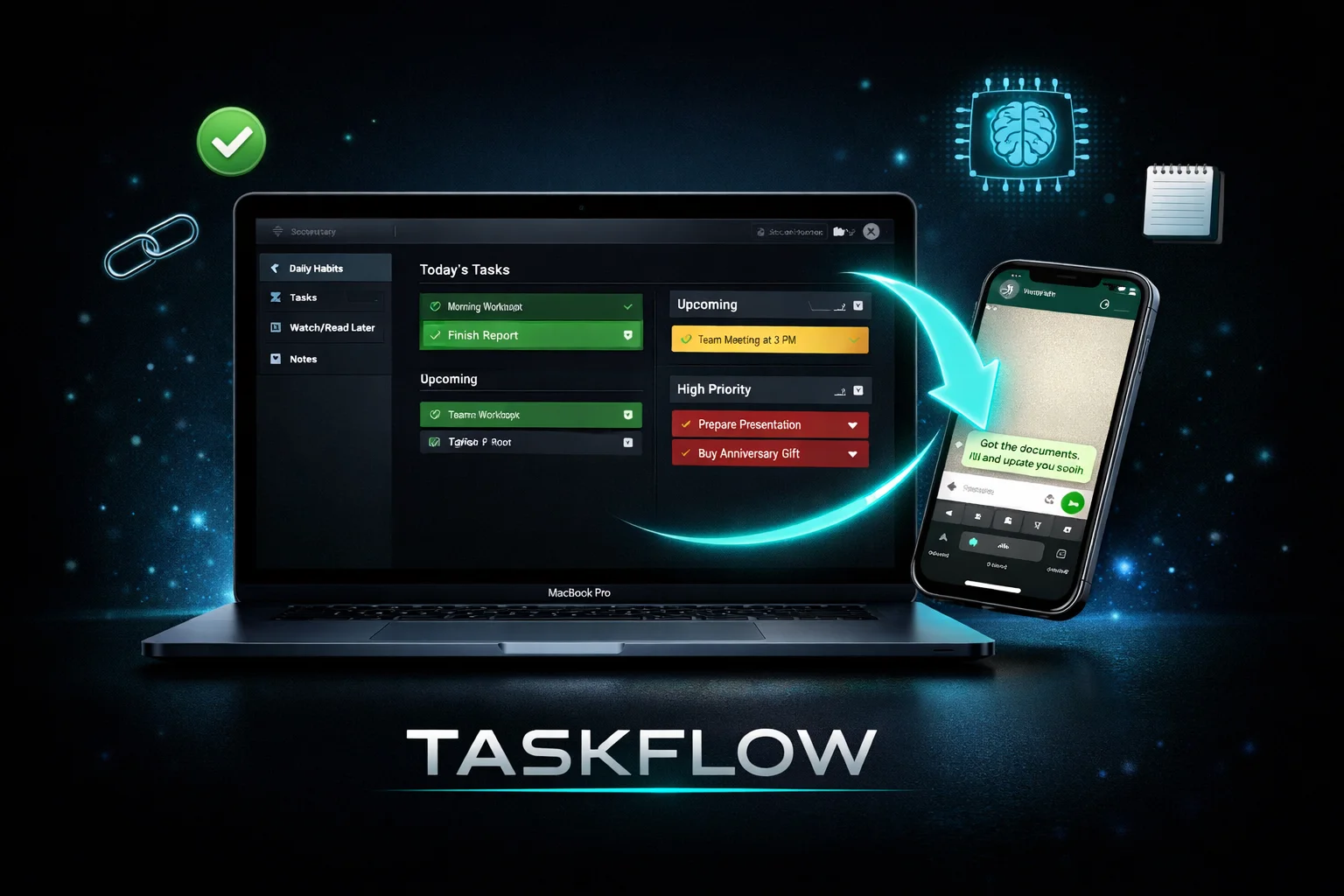
Web Apps
TaskFlow — Self-Hosted Personal Task Manager with WhatsApp AI Integration
$39TaskFlow is a powerful, self-hosted personal task manager built with React 18 and Node.js. Deploy it on your own VPS with one command and take full control of your data — no subscriptions, no third-party cloud, no monthly fees. Organize your life across 4 sections: • Daily Habits — Track daily routines with automatic date-based reset • Tasks — Manage to-dos with priority levels (Low/Medium/High), due dates, tags, and search • Watch/Read Later — Save links with auto-category detection, thumbnails, and descriptions • Notes — Rich markdown notes with image support (paste, upload, or drag) Key Features: ✓ One-Command Docker Deployment — Run setup.sh and you're live in 60 seconds ✓ Full API Server — RESTful endpoints for all data with API key authentication ✓ Image Storage — Thumbnails and note images stored as files, served with CDN-style caching ✓ Auto-Save — All changes sync to the server instantly with debounced writes ✓ Dark Theme — Beautiful, modern dark UI built with custom CSS ✓ Backup & Restore — Export/Import all data including images as a single JSON file ✓ Mobile Responsive — Works on desktop, tablet, and phone ✓ Zero Dependencies on External Services — Your data stays on your server WhatsApp AI Add-On (Included): Send a message to yourself on WhatsApp and it automatically appears in TaskFlow — sorted into the right section by AI: • URLs → Watch/Read Later (auto-categorized as Video/Article/Tool) • Action items → Tasks (with AI-detected priority) • Information/passwords/references → Notes Powered by a ready-to-import n8n workflow with Gemini AI classification. Only processes messages you send to yourself — never touches other conversations. What's Included: Core Package: — Complete React 18 source code (fully customizable) — Express.js API server with image storage — Dockerfile + docker-compose.yml (production-ready) — One-command setup script — Frontend build script — Environment templates — Full documentation WhatsApp Add-On: — n8n workflow JSON (ready to import) — Evolution API Docker setup — Step-by-step integration guide Requirements: Any VPS with Docker (DigitalOcean, Hetzner, AWS, etc.)
Task ManagerSelf-HostedReactDockerWhatsAppn8nAI AutomationProductivity