Back to Store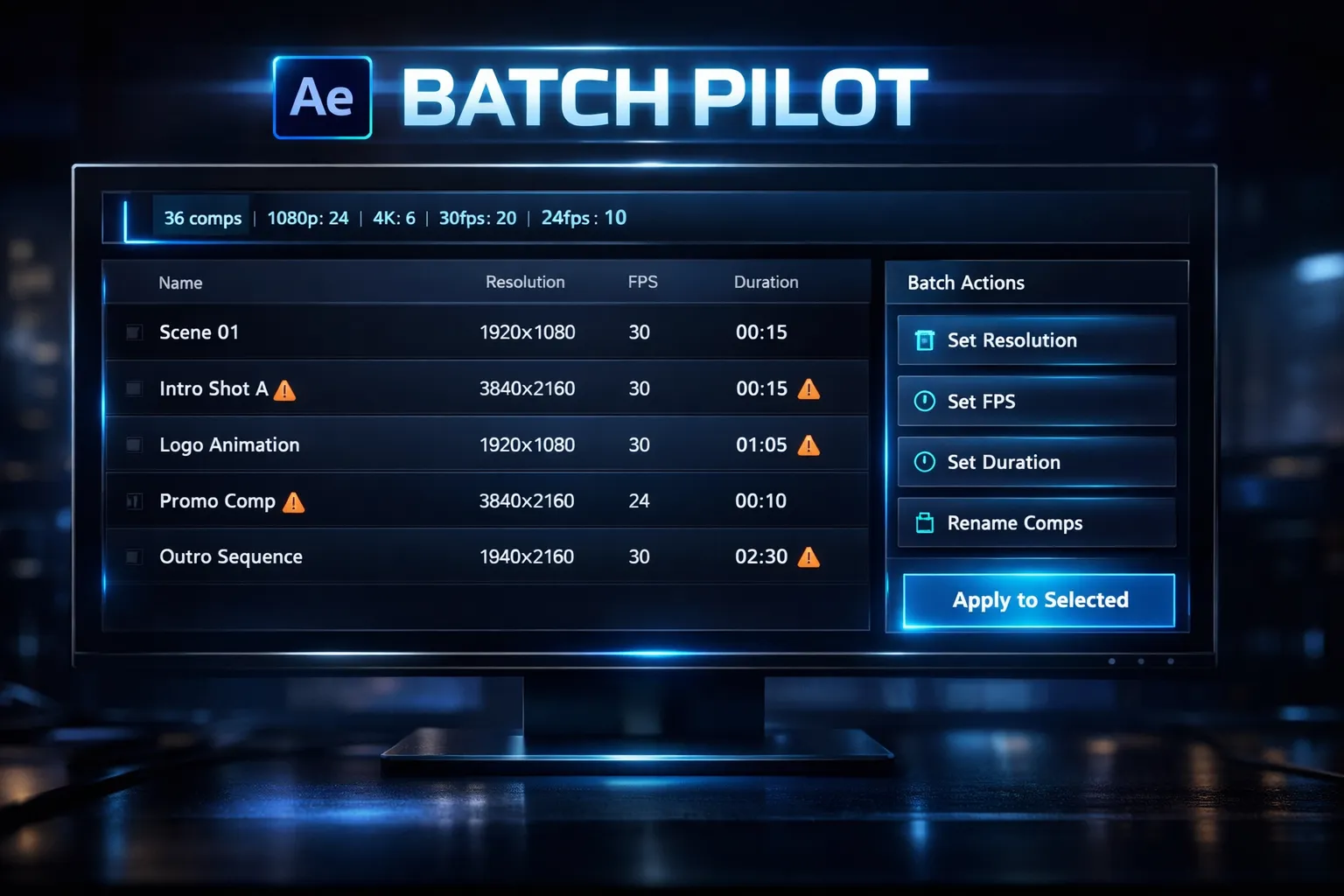
After Effects
Batch Pilot
$29Master every comp in your project. All at once. Batch Pilot gives you full control over every composition in your After Effects project — filter, batch edit, rename, detect mismatches, and standardize everything in seconds instead of hours. After Effects gives you zero project-wide control over compositions. Need to change 30 comps to 24fps? Resize 50 comps to 4K? Fix mismatched settings before delivery? Rename “Comp 1 copy 3” disasters? Normally, that means opening each comp one by one. Batch Pilot changes that. It’s a powerful composition management dashboard that lets you scan, filter, organize, and batch-edit every comp in your project — from one single panel. 🚀 What You Can Do With Batch Pilot 📊 See Every Comp at a Glance View all compositions in one clean dashboard Instantly see resolution, FPS, duration, layer count, and usage type Know which comps are masters and which are precomps 🔍 Filter & Find Instantly Search comps by name Filter by resolution (1080p, 4K, vertical, custom) Filter by frame rate Filter by duration range Filter by master comps or precomps Stop guessing. Find exactly what you need in seconds. ⚡ Batch Change Comp Settings Change multiple compositions at once: Resolution (width & height) Frame rate Duration Background color Motion blur Shutter angle & phase Preserve nested frame rate Update 50 comps in one click instead of 50 manual edits. ✏️ Professional Batch Rename System Clean up messy projects instantly: Find & Replace text Add prefix or suffix Sequential numbering (Scene_001, Scene_002…) Remove unwanted text Change case (UPPERCASE, lowercase, Title Case) Preview before applying No more “Comp 1 copy copy FINAL_v3”. ⚠️ Mismatch Detection Catch problems before delivery: Detect frame rate inconsistencies Detect resolution mismatches Spot duration outliers Find motion blur inconsistencies Then fix everything to match the majority with one click. 🎯 Quick Selection Tools Select all Select none Invert selection Select only master comps Select only precomps Select mismatched comps Select active comp + all nested precomps Full control. Zero friction. 📈 Project Statistics Overview See your project’s composition breakdown instantly: Total comps Master vs precomp count Resolution distribution Frame rate distribution Average duration Motion blur usage Know your project before you deliver it. 🎬 Who Is This For? Motion designers handling large projects Editors working with client revisions Template creators managing multiple comp versions Freelancers delivering broadcast-safe projects Anyone tired of repetitive comp edits If your project has more than 5 compositions, Batch Pilot saves you time. 💡 Why Batch Pilot? Because After Effects still doesn’t provide project-wide composition management. Batch Pilot gives you: Speed Visibility Standardization Professional control All inside one clean panel. 🧩 Part of the Pilot Suite Batch Pilot is part of the Pilot Suite: Project Medic — Diagnose project health issues Render Pilot — Smart export & delivery Batch Pilot — Composition control & organization Workflow: Organize → Diagnose → Deliver 🖥 Compatibility After Effects CC 2020 – 2025+ Windows & macOS Works as a dockable panel inside After Effects Installation Copy the .jsx file into your ScriptUI Panels folder Restart After Effects Open from: Window → Batch Pilot (Installation guide included.)
After Effects scriptAfter Effects pluginBatch comp editingComposition managerBatch rename compsChange FPS in bulkResize compositionsAfter Effects workflowMotion design toolsAE productivity toolComp mismatch detectionProject organizationMotion graphics workflowAE time saverProfessional VFX tools